
information, secure digital accounts, recognize suspicious activity and
make safer decisions online. Follow these practical privacy habits to
reduce unnecessary exposure and improve your everyday digital security.
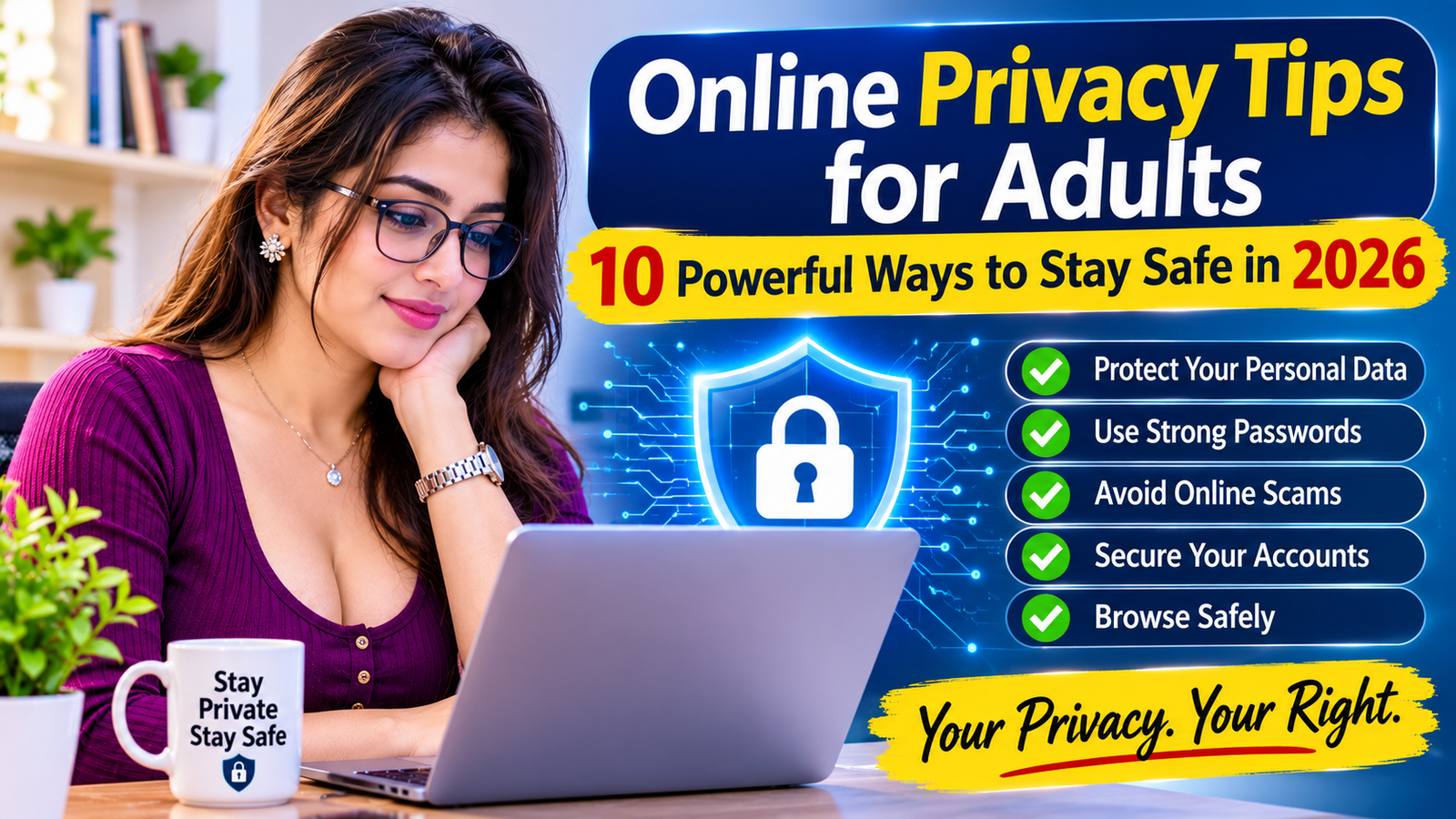
10 Essential Privacy Practices
information and maintain safer digital experiences.
Introduction: Why Online Privacy Matters
The internet makes communication, shopping, research and entertainment
easier. However, everyday online activities can also expose personal
information. Social media profiles, websites, mobile applications and
online services may collect information about users and their activities.
Following reliable Online Privacy Tips for Adults is
important because personal information can be misused when it is shared
carelessly or stored without proper protection. Adults should understand
how their information is collected, where it is shared and how to reduce
unnecessary exposure.
This guide explains ten practical privacy habits, common online risks,
account protection methods and steps to take when personal information
may have been exposed.
Create Strong and Unique Passwords
Weak or reused passwords can put multiple online accounts at risk.
If one website experiences a data breach, attackers may try the same
password on other platforms.
How to Build Better Password Habits
- Use a different password for every important account.
- Create long passwords that are difficult to guess.
- Avoid names, birthdays and common number combinations.
- Consider using a reputable password manager.
- Change passwords immediately when an account may be compromised.
Prioritize your email, financial, cloud storage and social media
accounts. Your primary email account is especially important because
it may be used to reset passwords for other services.
Enable Two-Factor Authentication
Two-factor authentication, also known as 2FA, adds another verification
step when someone attempts to access an account. Even if a password is
exposed, an additional authentication requirement can make unauthorized
access more difficult.
Common Authentication Options
- Authentication applications.
- Hardware security keys.
- Passkeys where supported.
- SMS verification when stronger options are unavailable.
Enable available security features on important accounts. Never share
verification codes with someone who contacts you unexpectedly. Genuine
support representatives should not need your private login codes.
authentication approvals as confidential information.
Recognize Phishing and Suspicious Links
Phishing is a common online technique used to trick people into sharing
passwords, payment details or other confidential information. A
fraudulent message may pretend to come from a bank, delivery company,
social media platform or familiar organization.
Warning Signs of a Suspicious Message
- Unexpected requests for passwords or verification codes.
- Messages creating unnecessary urgency or fear.
- Unfamiliar links or slightly misspelled website addresses.
- Unexpected attachments from unknown senders.
- Requests for unusual payments or confidential information.
Avoid clicking suspicious links. Instead, open the organization’s
official website directly or contact it through a verified channel.
You can also use
Google Safe Browsing
to access website safety information.
Be Careful with Public Wi-Fi Networks
Public Wi-Fi in hotels, airports, restaurants and other shared locations
can be convenient. However, users should not assume every available
network is genuine or secure.
Safer Public Wi-Fi Habits
- Confirm the correct network name with the venue.
- Avoid sensitive transactions on unfamiliar networks.
- Use websites with HTTPS protection.
- Disable automatic connection to unknown Wi-Fi networks.
- Turn off file sharing when it is not needed.
- Use mobile data for sensitive activities when appropriate.
A VPN may help protect network traffic in some situations, but it does
not make every online activity anonymous or automatically safe.
Continue using secure websites and strong account protection.
Check App Permissions Regularly
Mobile applications may request access to your camera, microphone,
contacts, location, photos and other device features. Some permissions
are necessary for an application’s main purpose, while others may be
unnecessary.
What You Should Review
- Location access and background location permissions.
- Camera and microphone access.
- Contacts and photo library access.
- Notifications and background activity.
- Applications you no longer use.
Open your device settings and review permissions periodically. Remove
unnecessary access and uninstall applications that you no longer trust
or need.
its main function reasonably requires deserves closer inspection.
Use Safer Browsing Practices
Everyday browsing can expose users to misleading advertisements,
fraudulent websites, unwanted downloads and privacy-invasive tracking.
Developing safer browsing habits can reduce these risks.
Practical Browser Safety Habits
- Download software from official sources.
- Check website addresses before entering personal information.
- Avoid unknown browser extensions.
- Review saved passwords and website permissions.
- Clear unnecessary browsing data when appropriate.
- Be cautious with pop-ups and unexpected download prompts.
HTTPS indicates that a connection is encrypted, but it does not prove
that a website is trustworthy. Always consider the website’s identity,
reputation and purpose before sharing information.
For more guidance, read our
privacy and website policy information
to understand why clear privacy practices matter.
Keep Devices and Software Updated
Software updates often include security fixes that address known
vulnerabilities. Delaying important updates can leave phones, computers
and applications exposed to risks that have already been addressed by
their developers.
Devices and Software to Update
- Mobile phone operating systems.
- Computer operating systems.
- Web browsers and browser extensions.
- Security applications.
- Frequently used mobile applications.
- Home routers and other connected devices.
Enable automatic updates where practical. Download updates from official
settings or trusted application stores rather than unfamiliar links
shared through messages or advertisements.
Know What to Do After Personal Data Exposure
Even careful internet users may experience account compromise, phishing
attempts or unauthorized exposure of personal information. Acting
quickly can help limit further damage.
Steps to Take After a Possible Privacy Incident
- Change the password of the affected account.
- Secure the email account connected to that service.
- Enable two-factor authentication if available.
- Review recent login activity and active sessions.
- Sign out unfamiliar devices and revoke suspicious access.
- Contact the relevant platform through its official support channel.
- Preserve screenshots and other relevant evidence.
- Contact your financial provider if payment information may be exposed.
If you suspect a cyber incident in Bangladesh, consult
Bangladesh e-GOV CIRT
for cybersecurity information and resources. You can also review
Bangladesh Police
for official information about available assistance.
Online Privacy Checklist for Adults
Use this simple checklist to review your current digital privacy habits.
Completing these steps regularly can help you identify weaknesses and
improve your account security.
- Use unique passwords for important accounts.
- Enable two-factor authentication where available.
- Review social media privacy settings.
- Limit publicly visible personal information.
- Check application permissions.
- Avoid suspicious links and unexpected attachments.
- Use caution when connecting to public Wi-Fi.
- Install software and security updates.
- Review account login activity.
- Keep important data backed up securely.
security at regular intervals, especially after changing devices or
installing new applications.
Trusted External Resources for Online Privacy
The following organizations provide educational information about
cybersecurity, personal data protection and online safety.
CISA: Secure Our World
– Practical guidance on passwords, multifactor authentication,
software updates and phishing awareness.
Federal Trade Commission Consumer Advice
– Consumer information about identity theft, scams and online safety.
National Cybersecurity Alliance
– Educational resources for safer digital habits.
Bangladesh e-GOV CIRT
– Cybersecurity information and resources relevant to Bangladesh.
Bangladesh Police
– Official information about police services and public assistance.
Related Privacy and Safety Resources
Continue learning about online privacy, website policies and responsible
digital communication through these related informational resources.
Frequently Asked Questions About Online Privacy Tips for Adults
1. What are Online Privacy Tips for Adults?
Online Privacy Tips for Adults are practical habits that help people
protect personal information, secure accounts, control data sharing
and reduce exposure to online scams.
2. Why is online privacy important for adults?
Online privacy helps reduce the risk of identity misuse, unauthorized
account access, unwanted data exposure and targeted scams. It also
gives people greater control over their personal information.
3. How can I protect my personal information online?
Share less sensitive information, use unique passwords, enable
two-factor authentication, review privacy settings and avoid
suspicious links or unexpected requests for confidential details.
4. Is public Wi-Fi safe for online banking?
Public Wi-Fi networks can carry security risks. For sensitive
financial activities, using mobile data or a trusted network is
generally a safer choice. Always verify the website and protect
your account with strong authentication.
5. What should I do if my account is hacked?
Change the affected password from a trusted device, secure your
connected email account, enable two-factor authentication, review
active sessions and contact the platform through its official
support channel.
6. How often should I review privacy settings?
Review privacy settings periodically and whenever you install a new
application, change devices or notice an unexpected account activity.
Regular checks help identify unnecessary permissions and public
information exposure.
7. Does HTTPS mean a website is completely safe?
No. HTTPS encrypts the connection between your browser and the
website, but it does not prove that the website itself is genuine
or trustworthy. Check the domain and the site’s reputation before
sharing sensitive information.
8. Where can I learn more about cybersecurity in Bangladesh?
You can visit Bangladesh e-GOV CIRT at
cirt.gov.bd
for cybersecurity information and resources.
Final Thoughts: Make Online Privacy a Daily Habit
Following these Online Privacy Tips for Adults can help
you build better digital habits and reduce unnecessary exposure of
personal information. Strong passwords, two-factor authentication,
careful browsing and regular privacy reviews are practical steps that
most internet users can adopt.
Remember that online privacy is not a one-time task. Technology,
applications and online threats continue to change. Review your
settings, stay informed and think carefully before sharing sensitive
information.
A safer digital experience begins with small, consistent decisions.
Protect your accounts, respect personal boundaries and make informed
choices whenever you use the internet.
Disclaimer
This article is provided for general educational and awareness purposes.
It does not replace professional cybersecurity, legal or financial
advice. Security features and privacy settings may vary between
platforms, devices and service providers.
© 2026. All rights reserved. Educational content about online privacy,
personal data protection and responsible internet use.
Review Social Media Privacy Settings
Social media platforms allow users to control who can view posts,
photographs, profile information and activity. However, default
settings may not always match individual privacy preferences.
Review These Important Settings
Review these options regularly because platforms may introduce new
features or change their privacy controls. Also be cautious about
accepting requests from unfamiliar accounts.
If an account uses your photographs or personal details without
permission, review our educational guide about
fake profiles and identity misuse.